August 27, 2026 · 8 min read
How to Track 75 Hard on Your iPhone (The Easy Way)
TL;DR
- 75 Hard has 5 daily tasks and an all-or-nothing restart rule, which means your tracking system has to be more precise than a normal habit tracker — a missed checkbox isn't a minor slip, it's Day 1 again.
- Paper checklists and Notes app screenshots work for the first week or two, then fall apart once you lose track of your exact day count or can't find a photo from three weeks ago.
- What you actually need: a daily checklist for all 5 tasks, a running water total, a workout timer, a photo log tied to the correct day, and a streak view you can see at a glance.
- This guide walks through setting that up on iPhone with 75 Forge, a free download built specifically for 75 Hard, 75 Soft, 75 Medium, and custom challenges.
Why 75 Hard Tracking Is Different From Normal Habit Tracking
Most habit trackers are built around forgiveness. Miss a day of meditation, and the app just shows a gap in your streak — you pick back up tomorrow. 75 Hard doesn't work that way. Miss any one of the five daily requirements — two 45-minute workouts (one outdoors), a strict diet with no cheat meals or alcohol, a gallon of water, 10 pages of non-fiction, and a progress photo — and the rule is you start over at Day 1, no exceptions.
That single rule changes what "tracking" needs to mean. You're not logging habits for motivation — you're keeping a record precise enough that you can say, with certainty, "yes, I completed every task, every day, up to today." A tracker built for flexible streaks will actively work against you here, because it won't force you to confront a missed task the way 75 Hard's rules demand.
Why the DIY Methods Break Down
Paper checklists
Printable 75-day grids are everywhere online, and they're fine for the first two weeks. The problem is portability — you don't carry the sheet to the gym, to the trail, or on a work trip, which means task completion gets logged from memory hours later. Memory is exactly where errors creep into day counts.
Notes app and spreadsheets
Better than paper, but you're still manually managing 75 rows, a separate camera roll album for photos, and a mental note of how many ounces of water you've had today. Nothing reminds you at 9pm that you're short on reading. Nothing warns you before midnight that you haven't logged today's photo.
General habit-tracker apps
These are built for single, independent habits with soft streaks. They're not designed for a photo-per-day log, a running water tally, or a workout timer that distinguishes "outdoor" from "indoor." You end up bolting on three other apps just to cover what 75 Hard actually requires.
What You Actually Need to Track
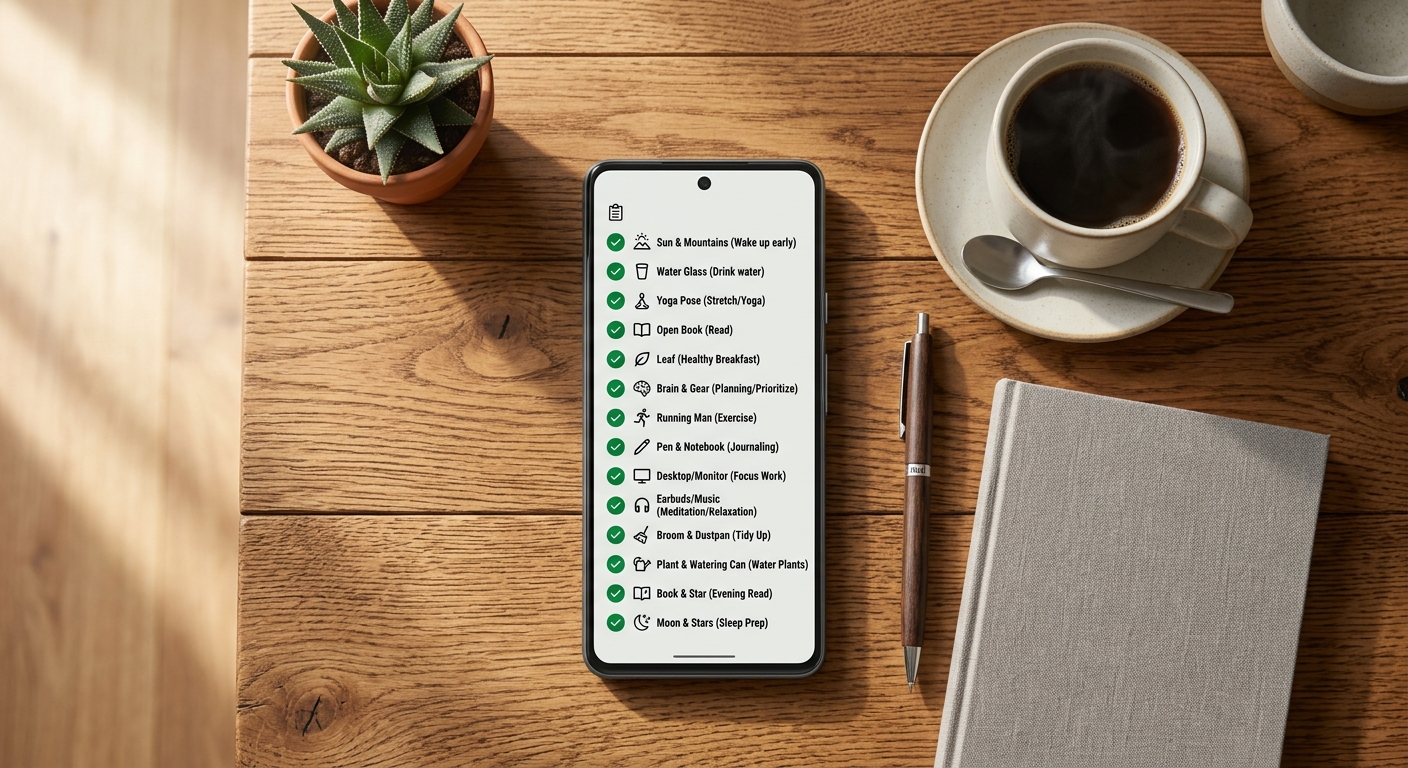
- Daily task completion — a clear checklist for all 5 rules, visible at a glance so you know instantly what's left today.
- Water intake — a running total toward your gallon, not a single "did you drink water" checkbox.
- Workout time — a timer for each 45-minute session, with a way to mark one as outdoors.
- Reading progress — a simple log of your 10 pages, since "I think I read enough" is not the same as knowing you did.
- A daily progress photo — tied to the correct challenge day, not just dumped into your camera roll.
- Your current day count and streak — the single number that matters most, always visible.
Setting Up Tracking on iPhone (Step by Step)
Here's how to set this up in about five minutes using 75 Forge, which we built specifically to solve the tracking problems above.
- Download 75 Forge from the App Store — it's a free download and requires iOS 16 or later.
- Pick your challenge type — choose the standard 75 Hard template, or 75 Soft / 75 Medium if you're running a modified version. You can also build a fully custom challenge with your own task list.
- Set your Day 1 and day-end cutoff — this matters more than people expect. If you're a night-owl exerciser, a fixed midnight cutoff can wrongly push a late workout into the next day's count. 75 Forge lets you adjust when your "day" actually ends so a task finished at 12:15am still counts for the day you meant.
- Use the Daily Task Checklist every time you complete something — check off each task as you go rather than trying to remember everything at night. It takes seconds and removes the end-of-day scramble.
- Log water with the Water Tracker as you drink — a running total toward your gallon is far easier to hit than trying to chug it all after dinner.
- Take your photo and let it auto-sort by day — Photo Progress keeps your daily photo tied to the correct challenge day, so your Day 1 vs. Day 75 comparison is accurate without you having to hunt through your camera roll.
- Turn on Smart Reminders — separate notifications for workouts, reading, and water mean you're not relying on willpower to remember a task at 9pm. Most missed tasks aren't refusal — they're simply forgotten.
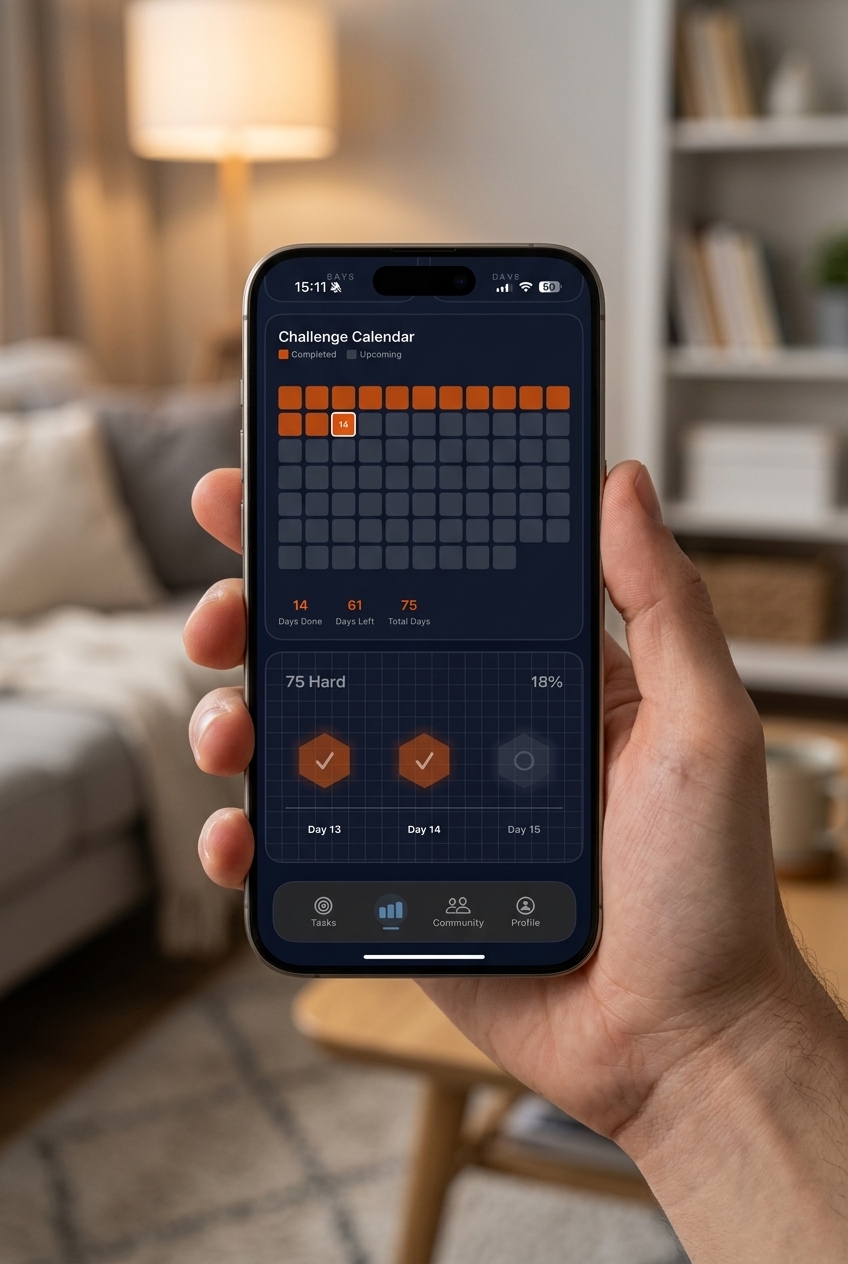
- Check the Grid Tracker weekly — a visual grid of your full run makes your progress impossible to ignore, and seeing a long row of completed days is one of the strongest reasons people give for not wanting to break the chain.
Common Tracking Mistakes That Cause Restarts
Logging tasks from memory at night
If you're trying to recall at 11pm whether you actually finished both workouts, you've already introduced room for error. Log as you go instead.
Letting the day-end cutoff work against your schedule
Shift workers, night owls, and anyone training after 9pm are most at risk here. A rigid midnight cutoff can quietly cost you a day you actually completed. Set a cutoff that matches your actual routine.
Storing photos loose in the camera roll
Once you edit, screenshot, or share a photo, camera roll sort order stops being reliable. A tracker that tags each photo to its challenge day protects your before/after comparison from getting scrambled.
No reminders, just willpower
The people who restart 75 Hard rarely do it because they refused a task — it's because they forgot one. Reminders close that gap far more reliably than intention alone.
If You're Doing 75 Hard With Other People
Tracking gets more complex the moment friends or a partner join in. Community Chat inside 75 Forge keeps that accountability contained to the challenge itself, separate from a group chat that's also full of memes — so check-ins stay visible without adding noise to your day.
Frequently Asked Questions
Can I track 75 Hard with just the Notes app or a paper journal?
You can, but most people who try end up with scattered checkmarks, no visual streak, and no reliable place to store 75 days of progress photos. It works for a week or two — the drop-off usually starts once you lose track of exactly which day you're on.
What's the difference between a habit tracker app and a 75 Hard tracker?
General habit trackers are built for flexible streaks where missing a day just resets one habit. 75 Hard has an all-or-nothing rule — miss any of the 5 tasks and the entire challenge restarts. A dedicated tracker like 75 Forge is built around that specific rule, plus the water gallon, outdoor workout, and daily photo requirements habit apps don't handle well.
How do I make sure my progress photos stay in order for 75 days?
Take the photo at roughly the same time and spot each day, and use an app that timestamps and auto-sorts photos by challenge day rather than by camera roll date — camera roll order breaks the moment you edit or re-save a photo.
What happens to my day count if I do a workout right after midnight?
This is one of the most common tracking headaches. If your tracker cuts the day off at midnight sharp, a workout finished at 12:10am can log to the wrong day. Look for a tracker with an adjustable day-end cutoff so a late-night task still counts for the day you meant it to.
Is there a free app to track 75 Hard on iPhone?
Yes — 75 Forge is a free download on the App Store for iOS 16 and later. It includes a daily task checklist, water tracker, photo progress, grid tracker, and smart reminders built specifically around 75 Hard, 75 Soft, 75 Medium, and custom challenge rules.
The Tracking System Matters More Than You'd Think
75 Hard is designed to be hard on discipline, not on logistics. A tracking system that fights you — one that loses your day count, buries your photos, or lets you forget a task until it's too late — adds a second, unnecessary challenge on top of the one you signed up for. Get the tracking right on Day 1, and the only thing left to worry about is doing the work.